
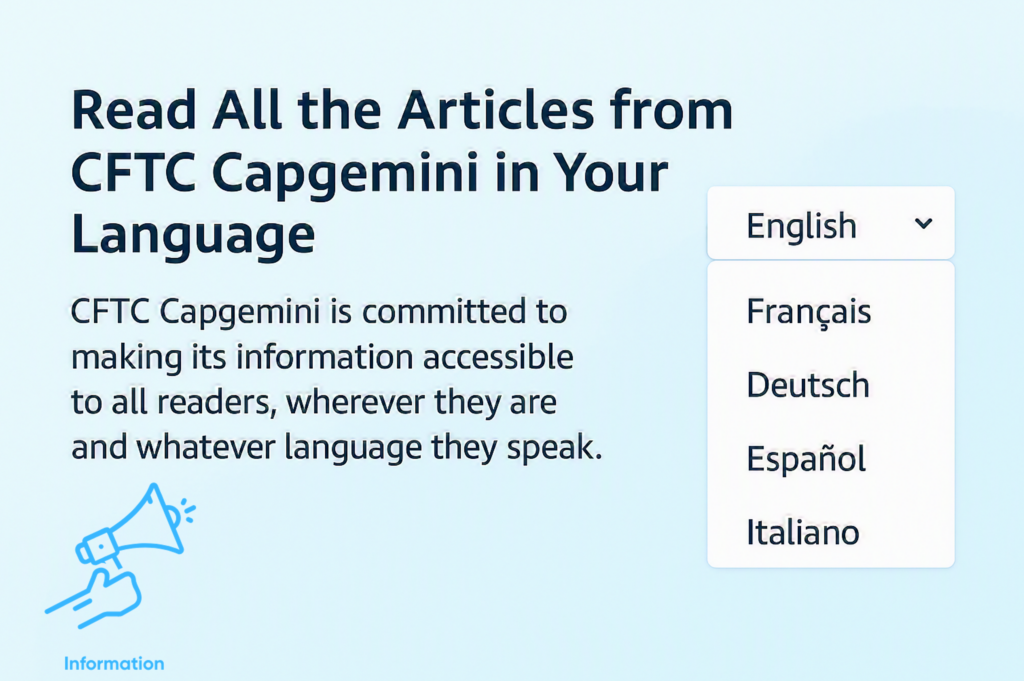
At CFTC Capgemini, we want to make information accessible to all employees and readers, regardless of the language they speak.
To help our international audience, the website includes a built-in translation feature that allows articles to be displayed in several languages. This makes it easier for non-French speakers to stay informed about the latest news, initiatives, and information published on the site.
How to Change the Language ?
Using the translation feature is simple:
- Visit the website https://cftc-sicsti.fr/capgemini/
- Look at the top-right corner of the page.
- Click on the language selector.
- Choose the language you prefer from the available options.
Once a language is selected, the content of all articles is automatically translated and displayed in the chosen language.
No additional software, browser extension, or external translation service is required.
This feature allows international readers to follow union news, company updates, analyses, and information published on the site with greater ease and comfort.
We invite all non-French-speaking visitors to take advantage of this functionality and explore the website in the language that best suits their needs.